
Truck Accidents | West Virginia
Dashcam Footage From a Truck Accident: What to Save
Video can capture details that are hard to recall after a crash. Learn which files to keep, how to keep them, and why the original matters.
Published November 3, 2026
Dashcam footage from a truck crash can be one of the clearest records of what happened on the road. The key step is to find it and save the original file exactly as it was recorded. This guide explains where crash video may exist in West Virginia and how to keep it intact. It is written for people who did not choose this situation, whether they were in the crash or are helping someone who was.
Why Video Matters After a Truck Crash in West Virginia
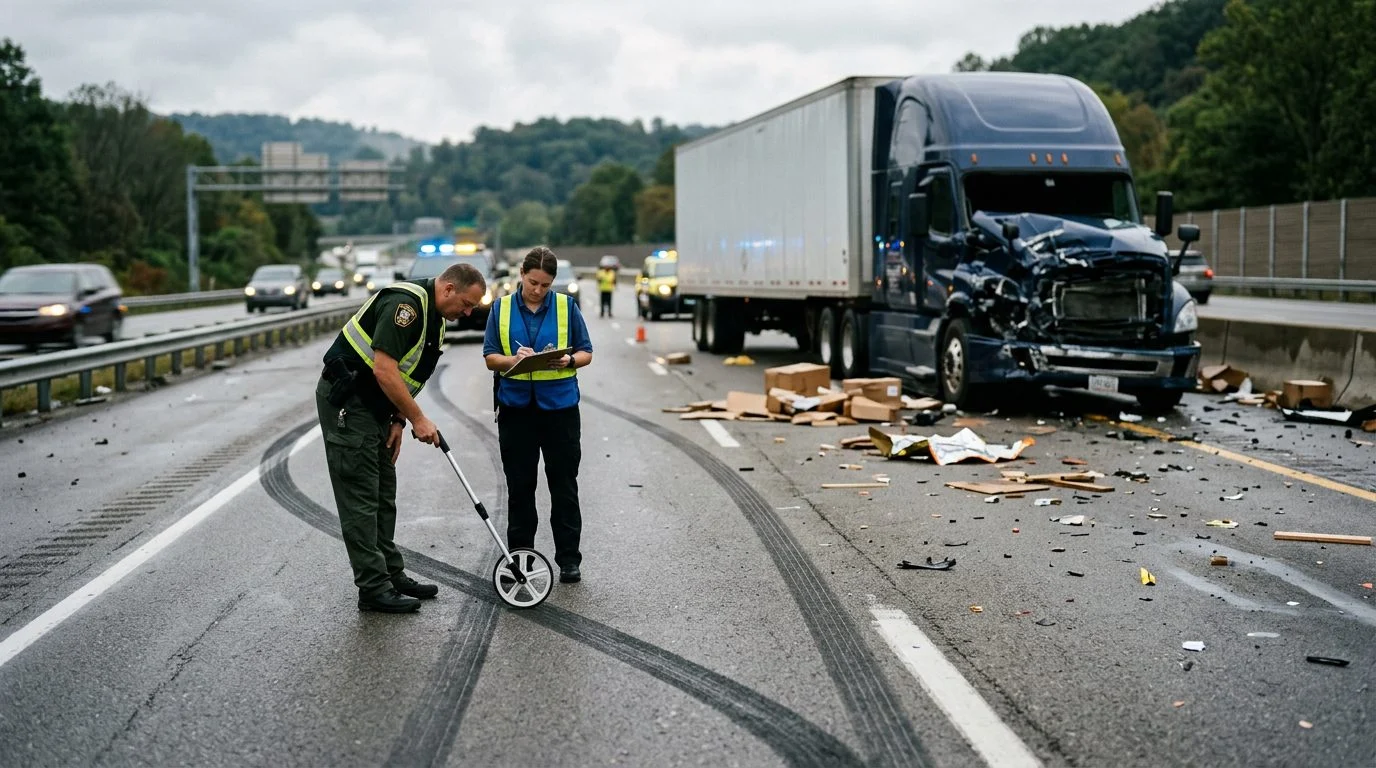
Video can show how a truck crash unfolded, from lane positions to where each vehicle stopped. That sequence is often hard to rebuild from memory alone. Video may be relevant, depending on the facts. Not every crash has video, and many people don’t learn that footage exists until days later.
Truck crashes often raise questions about speed, following distance, and lane changes. Video may help answer some of them. It may also show road conditions at the time, such as ice, fog, or debris.
You may be watching a family member recover, or you may be the injured person trying to think clearly. Either way, the goal is simple: know what to save and when to act. This page covers preserving evidence, not how a claim will turn out. For the bigger picture, read our truck accident guide.
If a crash video is sitting on a phone or you think a truck recorded the road, and you're not sure what to do next, we can talk it through in a free case review. Talk it through with Big Bubba — the first case review is free, confidential, and carries no obligation.
Where Crash Video May Exist
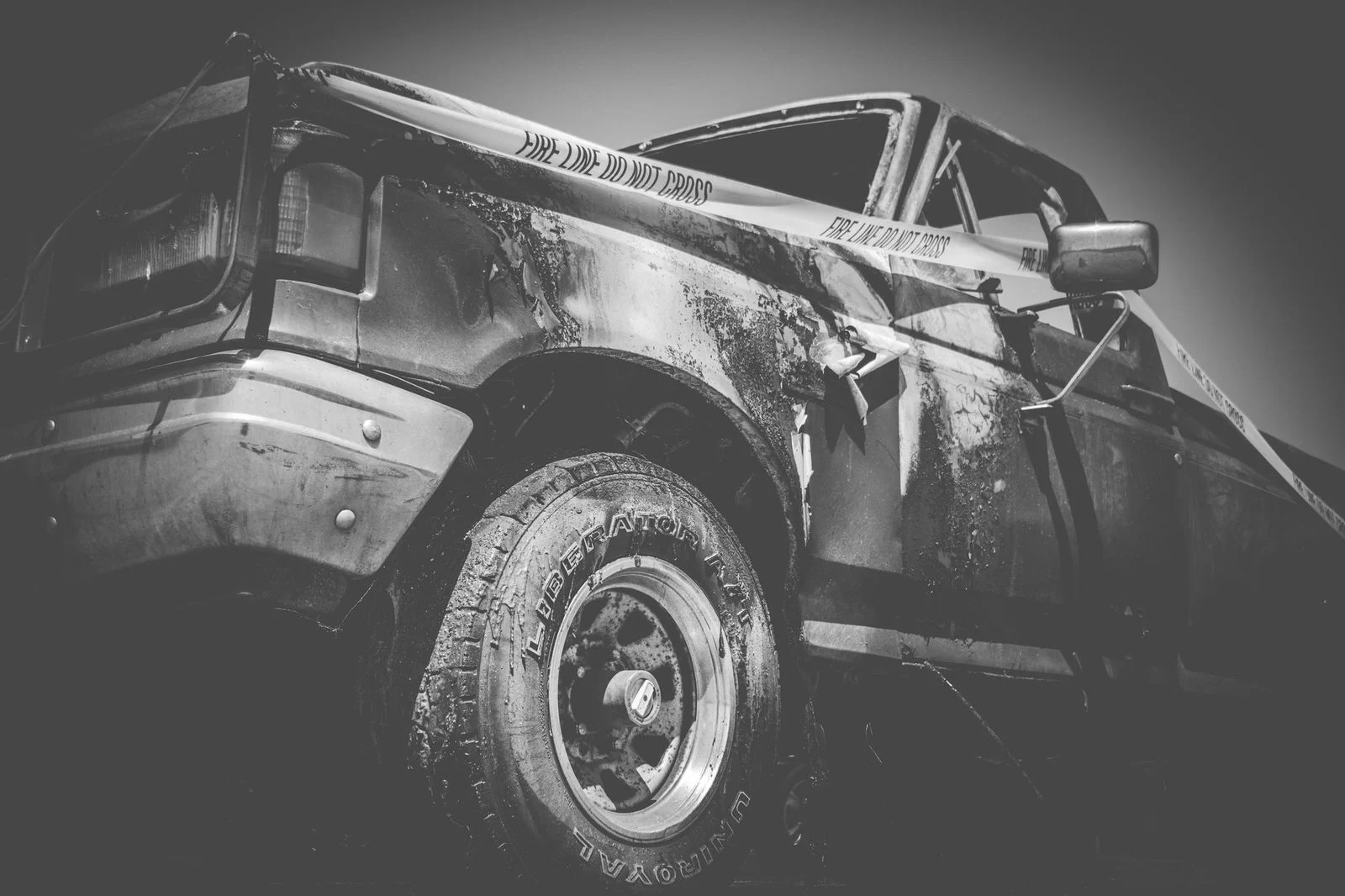
Crash video may sit in more places than most people expect. Start by asking what might have recorded the road, not only what you saw.
The truck’s onboard camera is one possibility. Many commercial trucks have forward-facing cameras, but not every truck does. The trucking company can say whether a camera was installed.
Other places may hold footage too:
- A dashcam in the other driver’s car or in a passing vehicle
- Phone videos or photos taken at the scene by drivers, passengers, or bystanders
- Security cameras at nearby businesses or homes that face the road
- Traffic or roadway cameras, which a public agency may run
Traffic cameras may not keep footage for long, so ask about them early. Private cameras may also overwrite old footage on their own schedule. A list like this helps you ask the right questions before the footage is gone.
What to Save First: Protecting the Original Files
Save the original video file exactly as it was recorded. Don’t trim, filter, or re-save it. A copy edited on a phone can lose details that matter, such as the time stamp.
Keep these steps in mind:
- Don’t post the clip publicly or edit it first.
- Copy the file to at least two safe places, such as a computer and a cloud account or external drive.
- Write down the device model and its date and time settings. File details may show when and where footage was captured.
- Note who recorded the video and whether they will share the original file.
- Keep the text or message used to send the video to you, if one exists.
Federal trucking rules allow records to be kept on any technology that stays accurate and can be reproduced later. The key word is accurate. 49 C.F.R. § 379.7 states this rule.
Asking for Preservation of Truck Camera Data
Send a written request to preserve truck camera data as early as you can. Trucking records can be discarded on a set schedule, and camera data may be overwritten.
49 C.F.R. § 379.3 points to the minimum retention periods provided in appendix A to this part. Electronic logs follow a stricter rule. A motor carrier must not alter or erase the original hours-of-service information. 49 C.F.R. § 395.30 covers this.
After some serious crashes, federal rules also require drug and alcohol testing of surviving drivers. Testing must happen as soon as practicable. 49 C.F.R. § 382.303 explains the timing rules.
A preservation request generally includes the date, time, location, vehicle identification, and type of recording. Some insurers may dispute a claim, so put the request in writing. Don’t try to access or tamper with a commercial vehicle’s systems yourself.
Be aware of an early settlement limit, too.
Recording Your Own Account Alongside the Video
Write down what you remember while it’s still fresh. Details fade quickly after a crash. A written timeline helps match your memory to the video.
Include the time of the crash, the weather, road conditions, your direction of travel, and each vehicle’s lane position. Note any visible damage. Collect names and contact details for witnesses. Write down the badge or report number of any responding officer, and ask which agency responded.
Photograph the vehicles, skid marks, debris, and roadway signs before anything is moved. Positions often matter more than people expect.
Official reports add another layer. Learn how crash reports fit with video in our FMCSA crash report guide.
West Virginia uses a modified comparative fault rule. Each person’s share of fault is set by percentage, and recovery follows those shares. W. Va. Code § 55-7-13a states this rule: West Virginia uses comparative fault. Each person’s share of fault is set by percentage, and recovery is predicated on those shares. Accurate video and notes may help show each party’s share, depending on the facts.
Keeping Records of Injuries and Missed Work
Medical and work records show how a crash changed daily life. Video shows the crash itself, but it can’t show a headache, a limp, or a missed shift.
Some symptoms may not appear until hours or days later. This is especially true after head or spinal injuries. Note any change in how you feel, even if it seems minor. Read more about symptoms that may surface after a crash.
Keep a simple journal. Record each appointment, your pain level, what you could not do that day, and who helped you. Save discharge papers, prescriptions, and therapy notes.
Track missed work carefully. Note lost shifts, reduced hours, changed duties, and any letter from an employer. Our guide to missed work after a truck injury explains what to keep.
Timing matters. West Virginia generally allows two years to bring a personal injury action, and exceptions may apply. Don’t wait to learn the exact date.
Not sure what your next step is?
Talk it through with Big Bubba — the first case review is free, confidential, and carries no obligation.
If You Are Helping Someone Through This, Start the Conversation
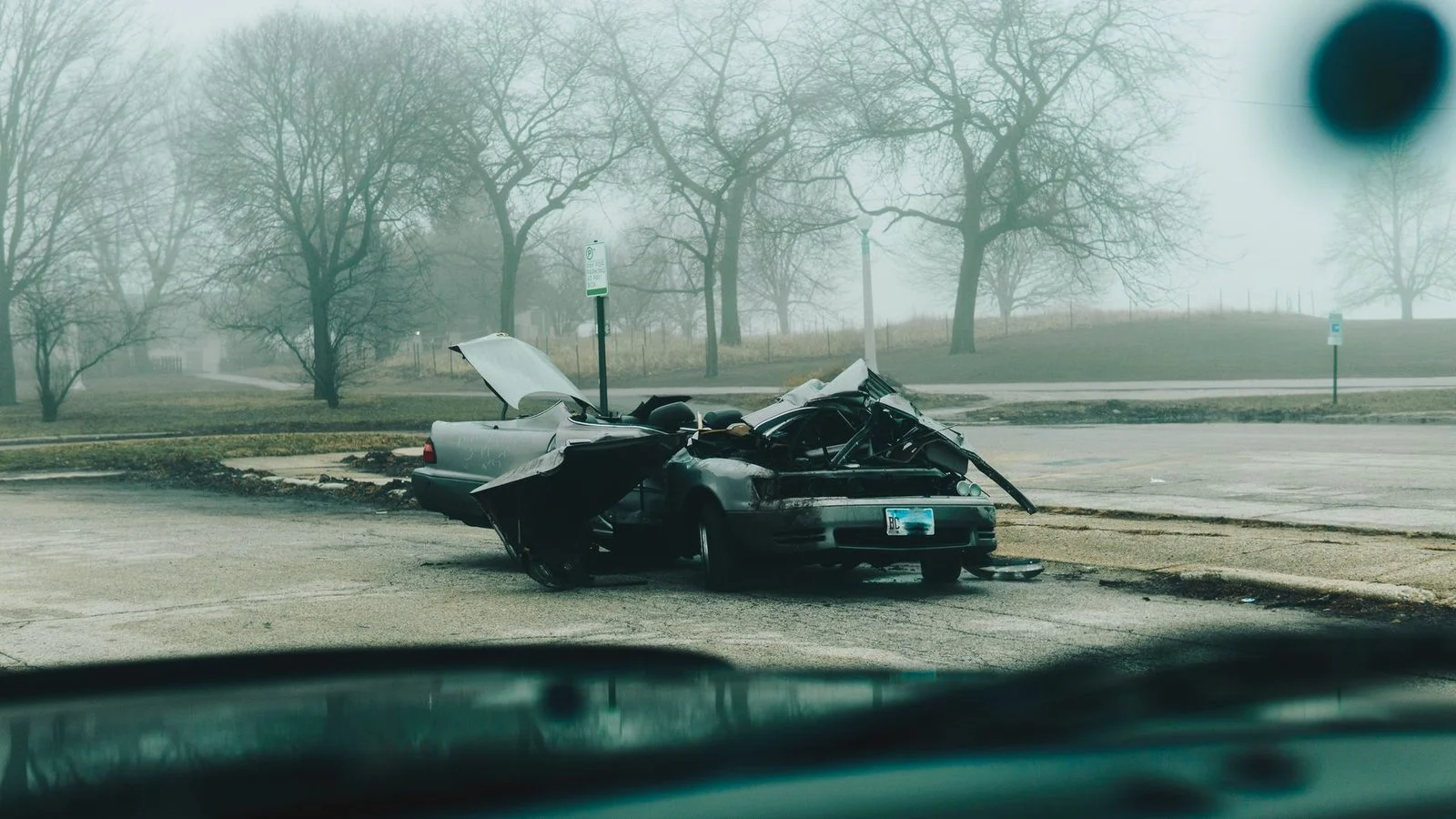
If you are helping an injured family member, you may be the one who can save the video now. The person who was hurt may not be able to check a phone or call a trucking company. You don’t have to know all of this on your own.
Common situations include video stored on a phone that could be lost, a truck camera that may still hold data, or a witness who recorded the crash and may move away. Each one calls for quick action. Start with the steps above, and keep the original files untouched.
Can I use another driver’s dashcam video?
You can ask the person who recorded it to keep the original file and share a copy. It may be relevant, depending on the facts.
Should I post the video online?
It’s better to hold off. Posting can change the file and may be used to question what you say about the crash.
What if my phone video was deleted by accident?
Check cloud backups and synced folders first. Stop using the phone so new data doesn’t overwrite the old file.
If you have crash video on a phone, or you think a truck recorded the road, and you’re not sure what to do next, you can request a free case review with us.